
































Fraud & Identity Protection
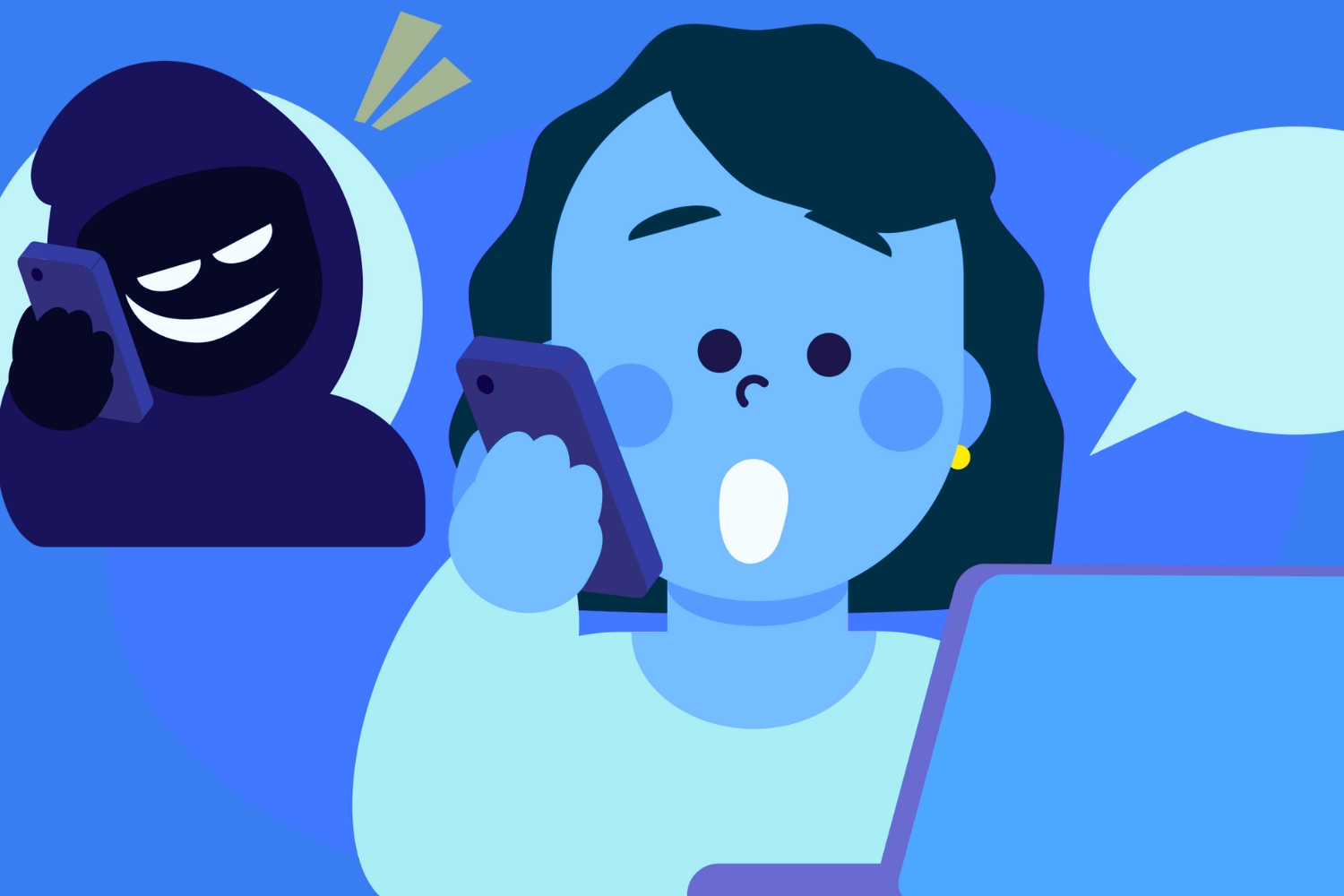
Imagine your phone rings, and the caller ID shows your bank’s phone number. The voice on the other end sounds professional, asks you to verify your login credentials, and claims there’s been “suspicious activity” on your credit card.
It feels urgent and believable—but it’s not your bank. You’ve just been targeted by a spoofing scam.
At its core, spoofing is when criminals disguise themselves as a trusted source to trick you into revealing personal information or sending money. Scammers can fake email addresses, phone numbers, text messages, entire websites, and even voice of those you know to make their schemes look legitimate.
And it’s not just banks they impersonate—scammers often pose as government agencies, well-known businesses, or even people you know. These scams work because they exploit trust. By hiding behind familiar branding or a name you recognize, scammers make you second-guess your instincts. That’s why knowing the types of spoofing and spotting red flags is essential to protecting yourself.
Spoofing comes in many forms, each with the same end goal: convincing you to hand over sensitive information. Here are the most common types of spoofing:
Scammers make an email look like it’s from a trusted source—your bank, your workplace, or even the IRS. They often use familiar corporate branding and urgent subject lines like “Immediate Action Required” to get your attention. Clicking a link in the email can lead you to a fake website designed to steal your login credentials.
For example, you might get an email claiming to be from your credit card company that says your account has been frozen. The message may include an official-looking logo and a link that directs you to a spoofed login page. The moment you type in your username and password, scammers gain access.
With website spoofing, criminals build a site that looks almost identical to a legitimate one. For example, instead of yourbank.com, you might be sent to yourbannk.com—a tiny misspelling that’s easy to overlook. Once you enter your username and password, scammers gain access to your account.
These websites may even include fake customer service chats, security badges, and other details that make them appear credible. Always double-check the URL before entering sensitive information.
A scammer can make a phone call appear to come from your bank, a government agency, or even a local number you recognize. They may pressure you to confirm your account number, credit card details, or other personal information.
One common tactic is impersonating the IRS. Scammers will threaten legal action or claim you owe back taxes, hoping fear will make you give up information quickly.
Similar to email, text messages can be faked to look like they’re from companies you know. A message might say, “Your package delivery has failed—click this link to reschedule.” Clicking through takes you to a fraudulent page where your details can be stolen.
Because text messages often feel more personal and urgent, it’s easy to overlook the danger. Remember: a legitimate company won’t ask you to resolve account issues through a texted link.
Advances in artificial intelligence have made it easier than ever for scammers to mimic voices with startling accuracy. All it takes is a few recorded words and criminals can generate convincing audio that sounds exactly like someone you know. These deepfake voice messages are often used to trick victims into sending money or sharing sensitive information under the belief they are helping a trusted friend or family member.
Spoofing isn’t new, but it has become much more convincing thanks to technology. Today’s scammers use tools that can replicate company logos, mimic caller ID information, and even create fake voice recordings. This makes it harder than ever to tell the difference between a real message and a spoofed one.
The good news? Spoofing scams almost always come with clues if you know where to look. Here are some warning signs that something isn’t right:
Now that you know what to watch for, let’s talk about how to prevent spoofing from putting your information at risk:
Even the most cautious people can find themselves falling victim to these scams. If you think you’ve been targeted, here’s what to do:
Spoofing scams thrive on confusion and trust. By understanding how these scams work and learning the red flags, you’re already better equipped to protect yourself. Whether it’s a spoofed phone call, a fake text message, or a lookalike website, the key is to stay calm, verify the source, and never share sensitive information with someone you don’t fully trust.
The best defense against scams is awareness. Share this knowledge with friends and family, especially those who may be less familiar with online scams. Together, we can make it harder for cybercriminals to succeed.