
































Fraud & Identity Protection
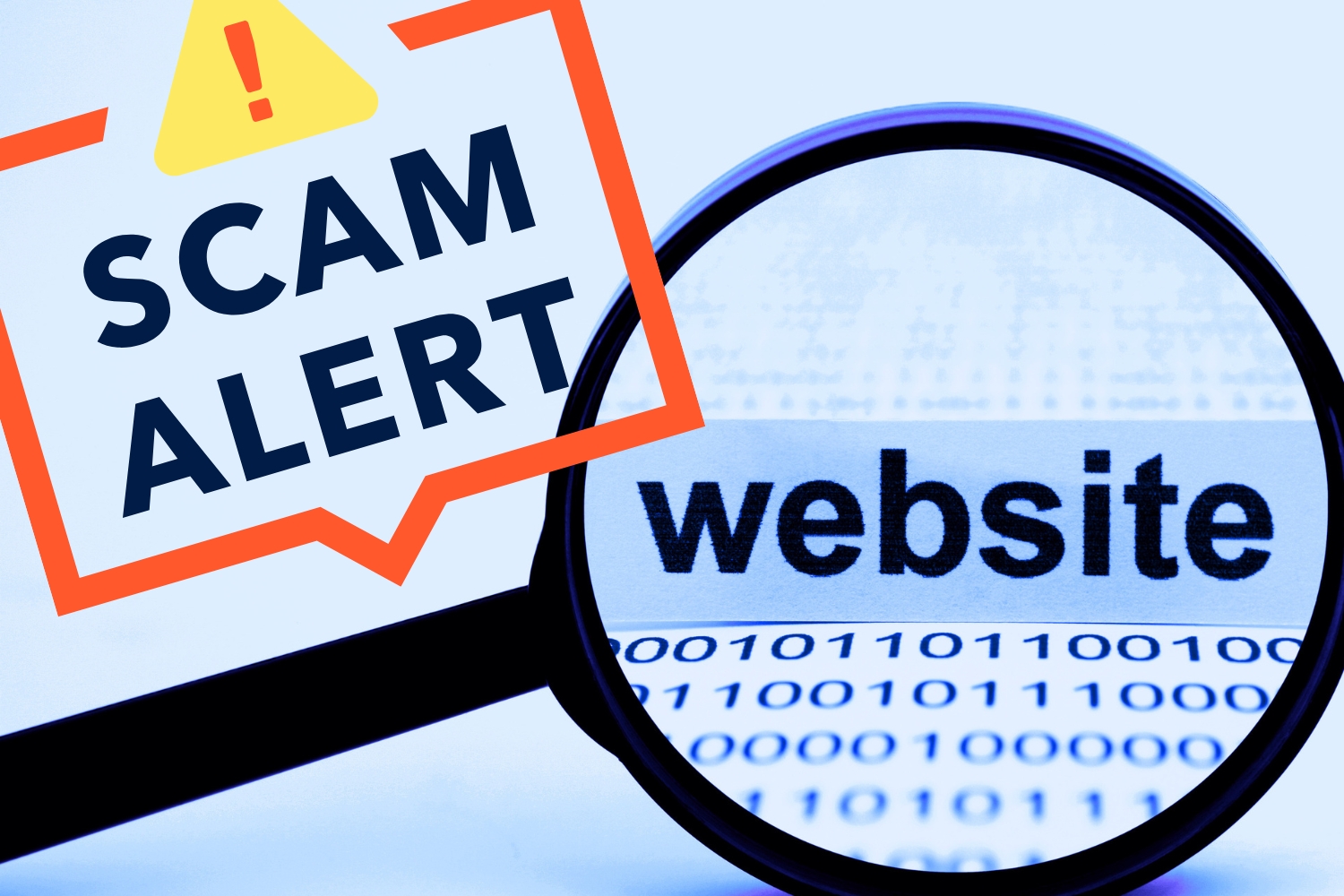
Online banking makes it easier than ever to check balances, transfer money, and manage accounts from anywhere. But that convenience has also created opportunities for scammers.
Fake bank websites are designed to look like legitimate financial institutions so they can trick people into entering sensitive information like usernames, passwords, or account numbers.
In many cases, these websites closely mimic real bank pages, using similar logos, colors, and layouts. A quick glance might not reveal anything unusual. That’s why it’s important to take a moment to verify that a site is legitimate before logging in or entering personal information.
The good news is that spotting a suspicious website is often easier than it seems. A few quick checks, like reviewing the web address, looking for security indicators, and watching for common red flags, can help you confirm whether a banking site is safe to use.
Before entering any personal or financial information, it’s worth taking a few seconds to review the website you’re on. Legitimate banking sites typically follow certain security and design standards, while fake bank websites often reveal small warning signs if you know where to look. The tips below can help you quickly check whether a bank website appears safe.
Start by looking at the website’s address in your browser. Secure banking sites use HTTPS, which encrypts the connection between your device and the website.
You can usually see this in the address bar. A secure site will begin with “https://” and often shows a small lock icon next to the URL.
HTTPS does not guarantee a website is legitimate, since some fake bank websites also use encryption. However, a banking site that only shows “http://” instead of HTTPS is a clear red flag. Avoid entering any personal or financial information if you see this.
Scammers often create web addresses that look very similar to a real bank’s website. At a glance, the difference can be easy to miss.
For example, a fake site might include a small misspelling, extra words, or unusual characters in the URL. Some may also use uncommon domain endings that are not associated with the real bank.
Before logging in, take a moment to carefully read the full web address. If anything looks slightly off, it’s best to leave the site and type the bank’s official website directly into your browser instead.
Fake bank websites sometimes look convincing at first glance, but small details can give them away. Pay attention to the overall quality of the site.
Warning signs may include blurry images, outdated logos, broken links, or pages that don’t load correctly. You might also notice formatting issues or sections that feel incomplete.
Most legitimate banks invest heavily in maintaining professional, well-functioning websites. If something about the design or layout feels off, it may be worth double-checking that you are on the correct site before entering any information.
Legitimate banks make it easy to find their contact information. Most will list a customer service phone number, physical address, and other support options on their website.
If you are unsure whether a site is real, look for this information and compare it with details from a trusted source, such as the bank’s official website or previous statements.
If the site has no contact information, or the details seem inconsistent, that may be a sign the website is not legitimate.
If you land on a website that immediately asks for sensitive information, take a moment to pause. Fake bank websites are often designed to push visitors straight to a login form. This is especially suspicious if you arrived through a link in an email, text message, or online ad.
Scammers frequently use these messages to direct people to fraudulent login pages.
It’s also worth paying attention to how the login page appears. Be cautious if a login form opens inside a pop-up window or appears embedded within another page instead of loading as a dedicated page on the bank’s website. Fraudulent sites sometimes use these tactics to capture usernames and passwords. Most legitimate banks use full, secure login pages rather than pop-ups for account access.
When in doubt, avoid entering your information and navigate to the bank’s website by typing the address directly into your browser.
If something about a banking site seems off, try searching for the bank’s name in a new browser tab. This can help you find the institution’s official website and compare it to the page you’re currently viewing.
Look closely at the web address, layout, and branding. If the site you landed on looks different from the official one, it may be a fake bank website.
Be careful when clicking sponsored links or advertisements that appear in search results. Scammers sometimes create fake ads designed to look like legitimate banking websites and use them to direct visitors to fraudulent pages.
When possible, it’s safest to access your bank’s site by typing the address directly into your browser or using a saved bookmark.
Content on a legitimate bank website is typically reviewed and carefully edited. Because of this, the writing is usually clear, consistent, and free of obvious mistakes.
Fake bank websites often contain spelling errors, strange phrasing, or instructions that feel unclear. These issues can appear in headings, login prompts, or other parts of the page.
Pay attention to the tone of the message, too. Be cautious of urgent or threatening language that pressures you to act immediately, such as warnings that your account will be locked, suspended, or compromised unless you log in right away. Scammers often rely on panic and urgency to get people to react without thinking. Legitimate banks may send important alerts, but they typically do not rely on scare tactics directly on login pages.
While a small typo does not automatically mean a site is fraudulent, multiple language errors can be a warning sign that the website may not be legitimate.
Modern web browsers include built-in tools that help identify potentially unsafe websites. If a site is suspected to be fraudulent or dangerous, your browser may display a warning before the page loads.
These alerts might say the site is not secure, suspected of phishing, or potentially harmful. If you see a message like this when visiting what appears to be a bank website, it’s best not to proceed.
Instead, close the page and access your bank’s website by typing the address directly into your browser or using a trusted bookmark.
If you believe you may have entered personal or financial information on a fake bank website, it’s important to act quickly.
First, contact your bank using the phone number listed on its official website or on the back of your debit or credit card. Let them know what happened so they can monitor your accounts, place alerts, or take other protective measures if needed.
Next, change your online banking password and any other passwords that may be similar. If the same password is used for multiple accounts, update those as well.
It’s also a good idea to review your account activity closely over the next several days or weeks. If you notice any unfamiliar transactions, report them to your bank immediately. If you shared highly sensitive information, such as your Social Security number or other personal identifying details, consider placing a fraud alert or credit freeze with the major credit bureaus. This can make it harder for someone to open new accounts in your name.
Taking a few steps right away can help protect your accounts and reduce the risk of fraud.
Fake bank websites are designed to look convincing, but they often reveal small warning signs if you know what to look for. Taking a moment to review the web address, check for security indicators, and watch for unusual design or language can help you avoid entering sensitive information on a fraudulent site.
A few simple precautions can go a long way in protecting your financial information online. When in doubt, it’s always safest to leave the page and navigate directly to your bank’s official website or official mobile app before logging in.fe one—but with vigilance and knowledge, you can make an effort to protect your online identity. Stay secure, stay vigilant, and stay in control of your digital life.